Request and track maintenance
Request maintenance with a single click and track its status in real time, from received to in progress to done.


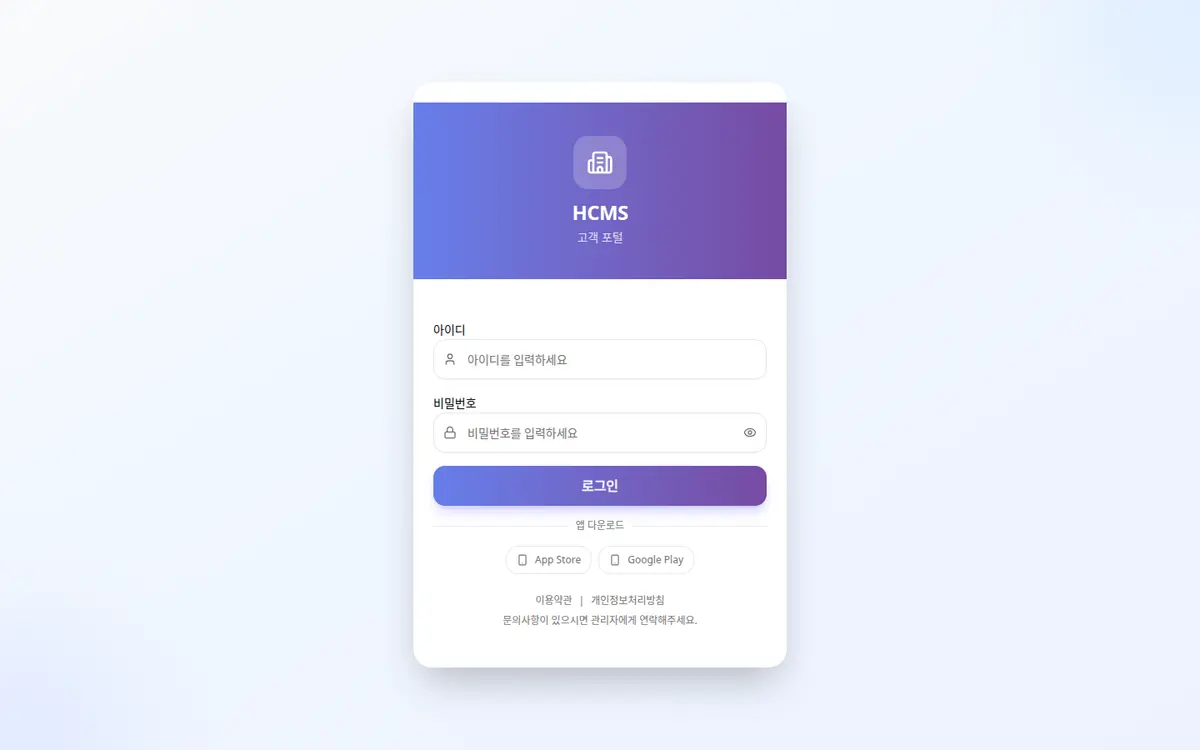
HCMS is a dedicated portal for clients managed by HankyeulLab. Requests, progress, quote approvals, and updates are all handled transparently, in real time.
18 sites managed by HankyeulLab run on HCMS every day
Check and manage maintenance requests, quotes, updates, and points in HCMS.
Request maintenance with a single click and track its status in real time, from received to in progress to done.
Track the real-time progress of every task your HankyeulLab manager is handling.
View quotes as soon as they are sent, then approve them or request changes online.
See the points used by each request and your remaining balance right in the portal.
Get HankyeulLab service updates, maintenance schedules, and new feature releases in real time.
Check the uptime and response speed of sites managed by HankyeulLab right in the portal.
Message your HankyeulLab manager directly through the portal's inquiry channel.
With dedicated iOS and Android apps, you can submit requests, check progress, and receive notices on the go.
The client portal, the HankyeulLab staff console, and the mobile view. Company names, sites, and amounts are sample values.
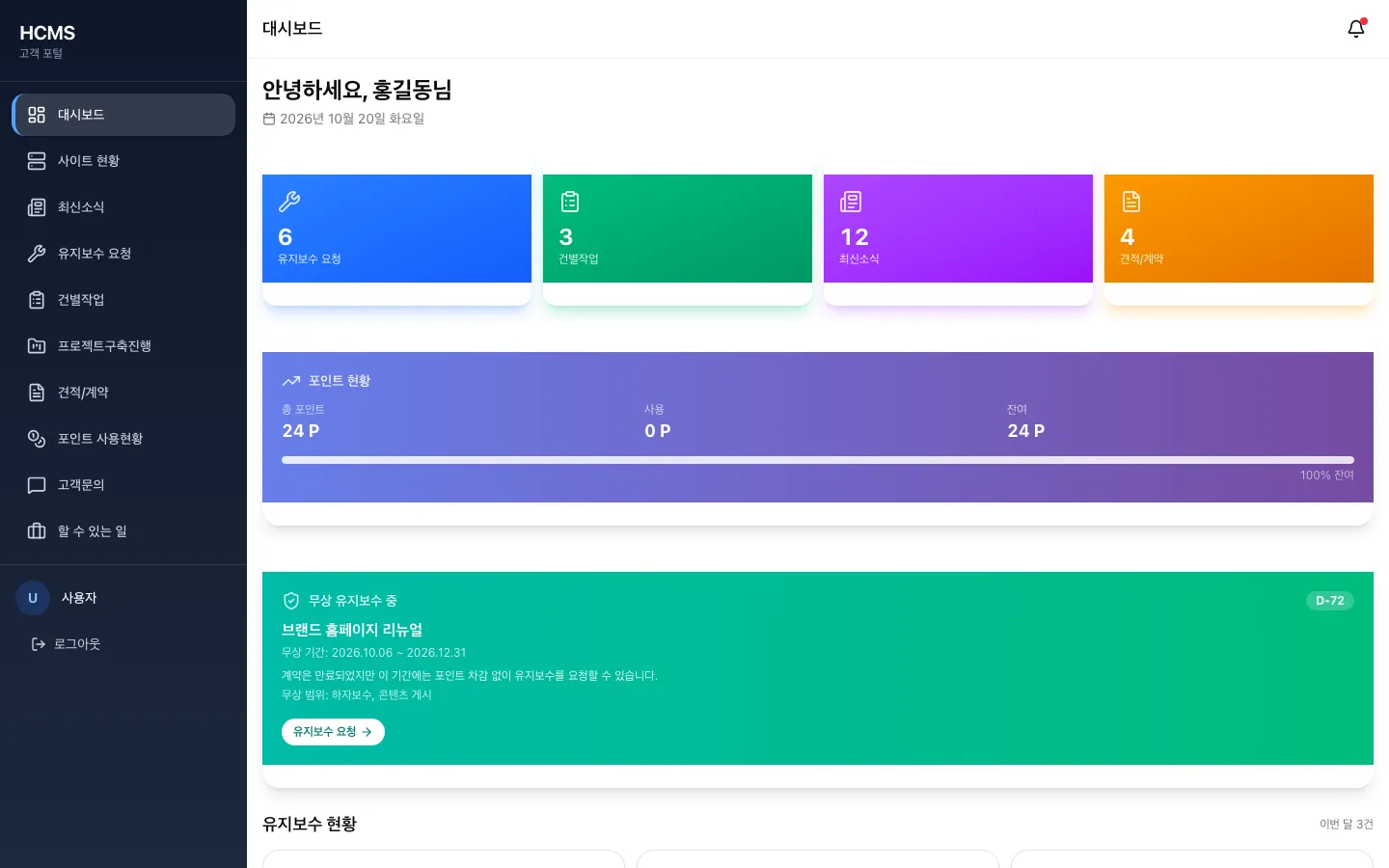
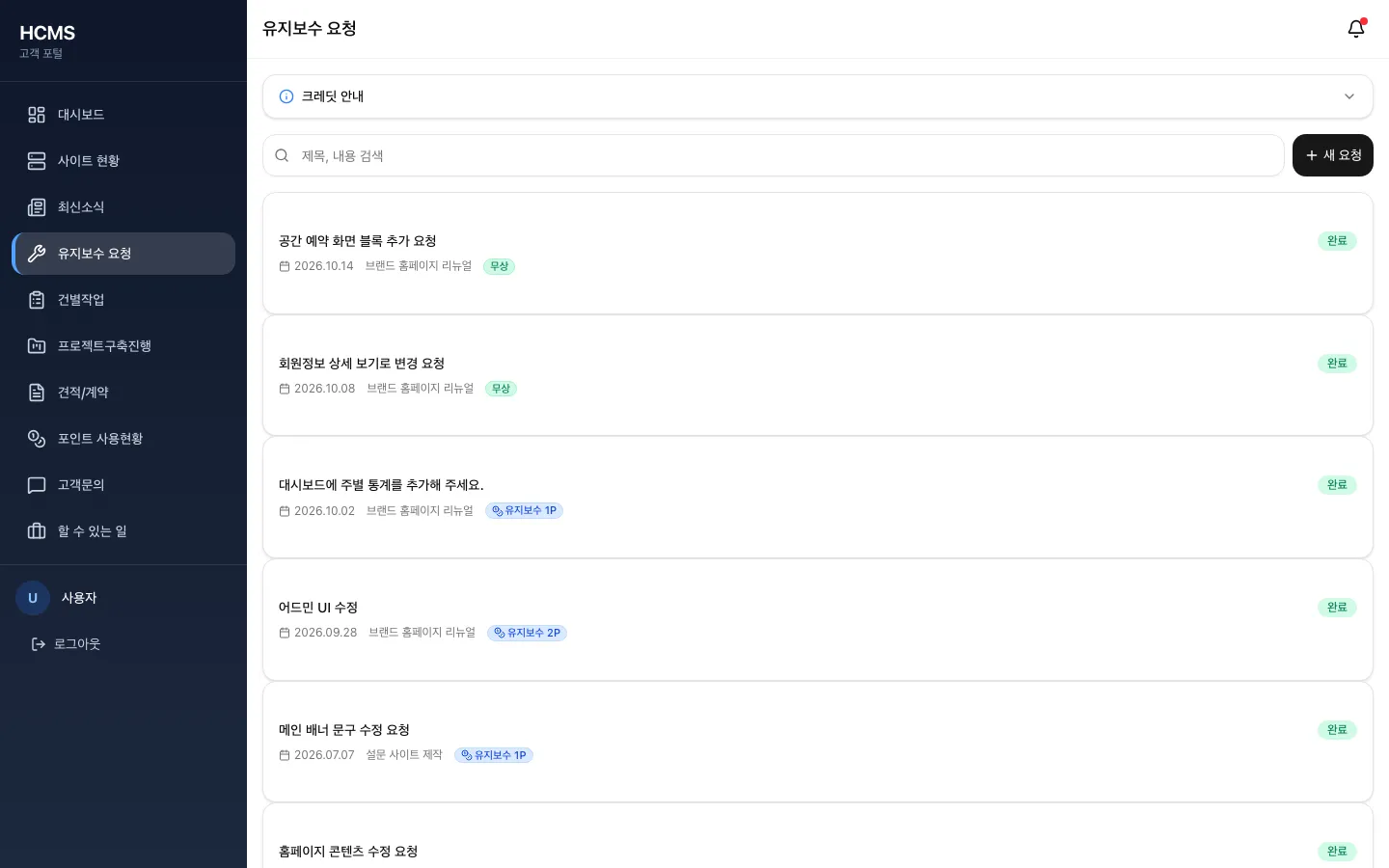
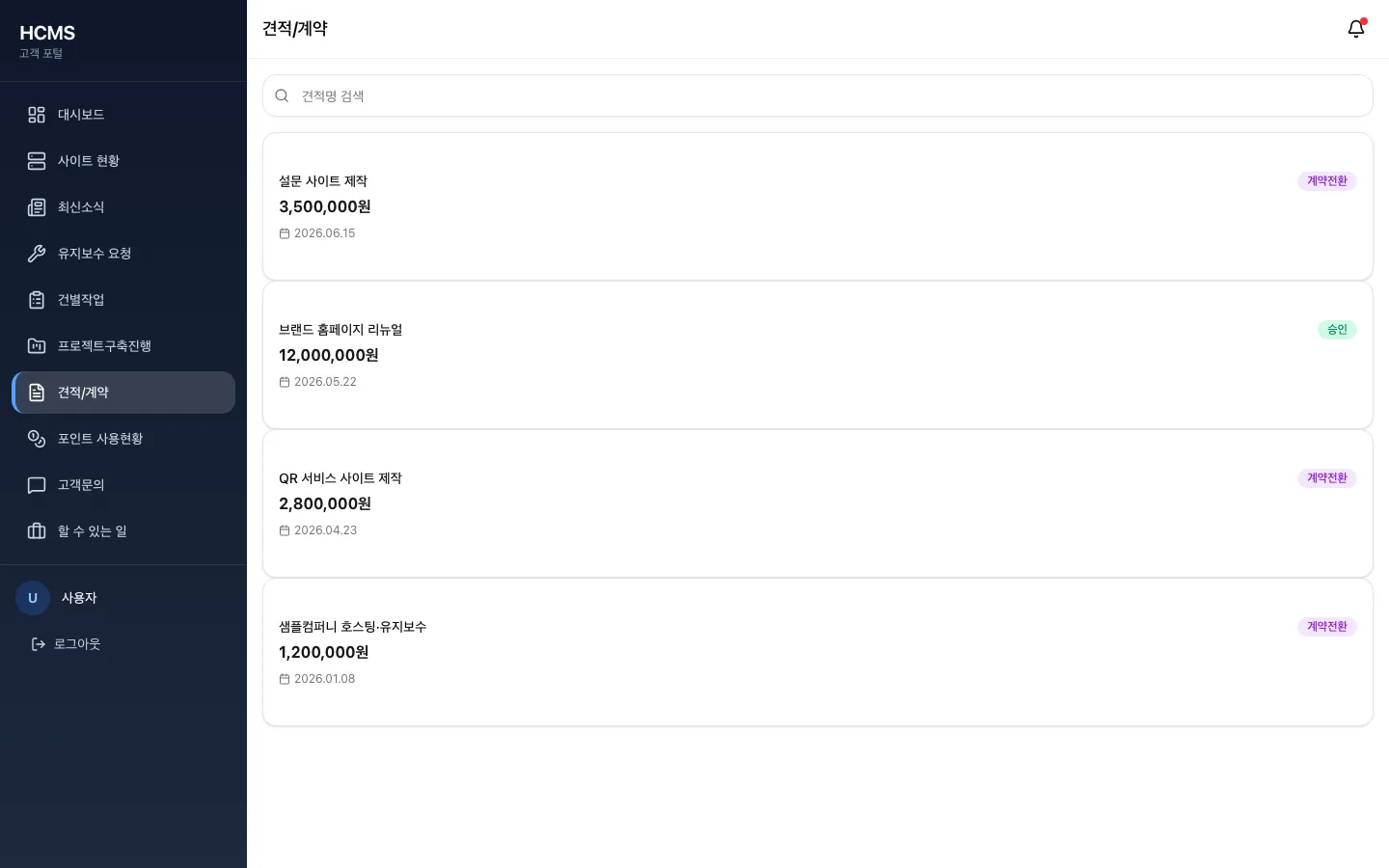
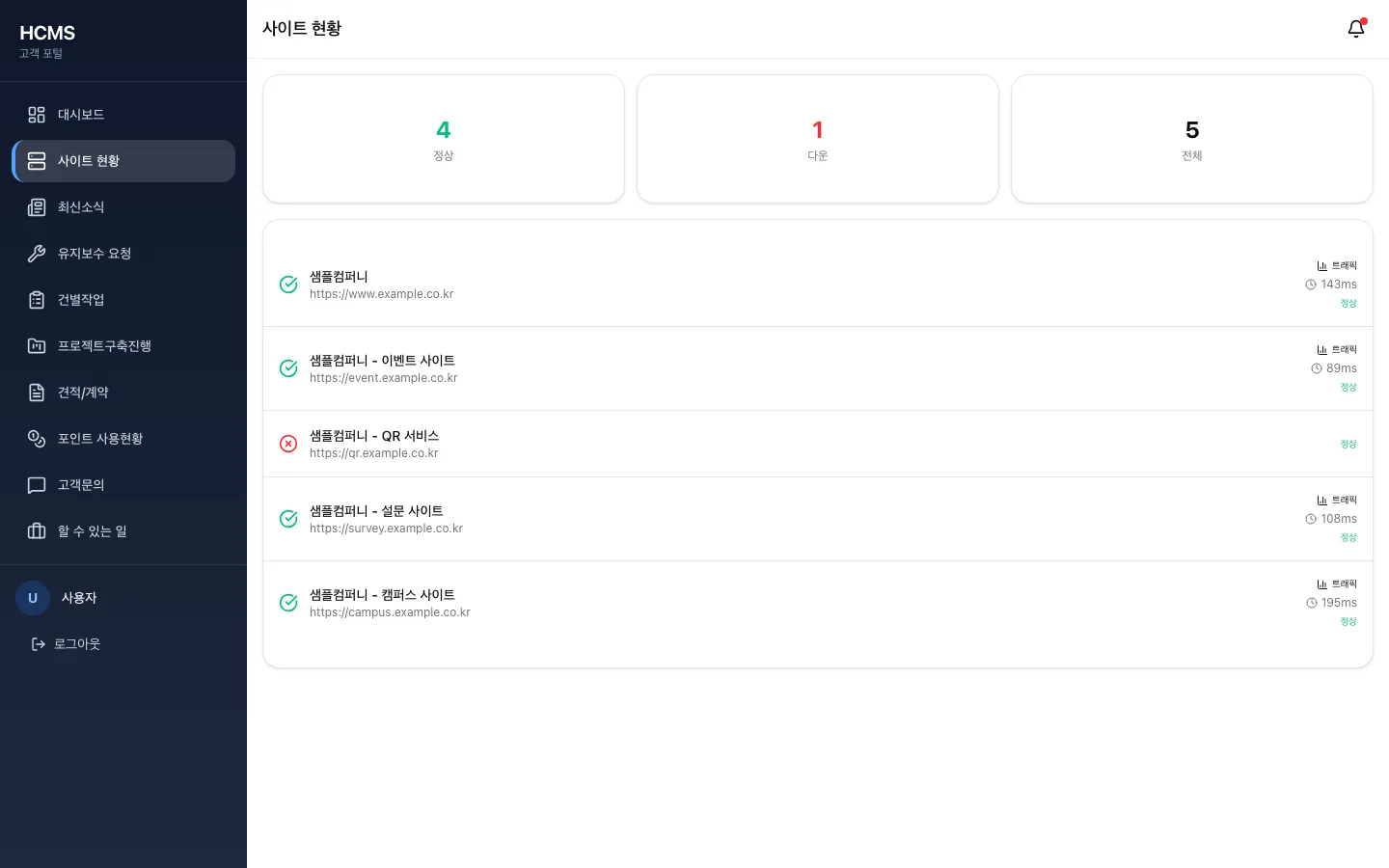
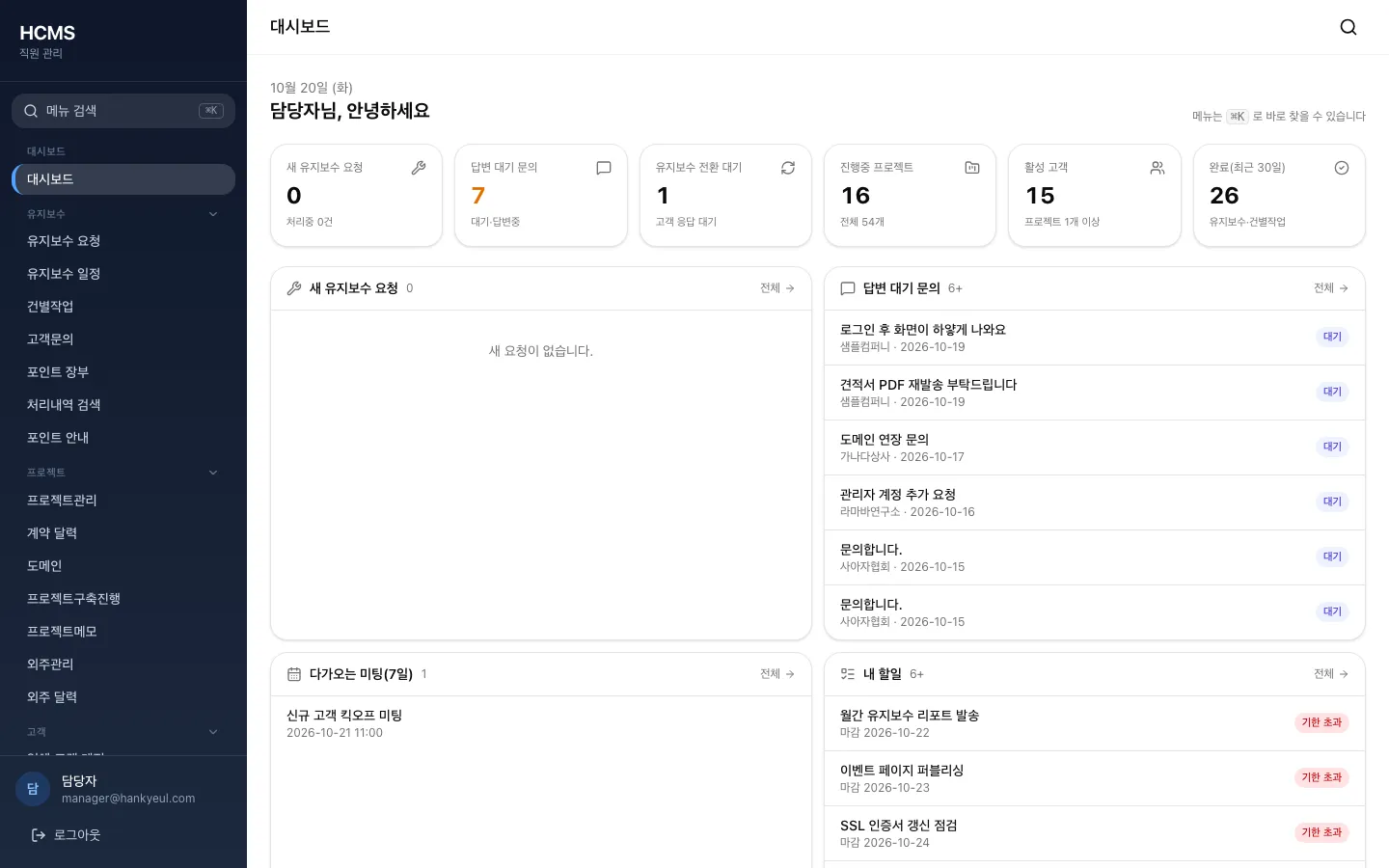
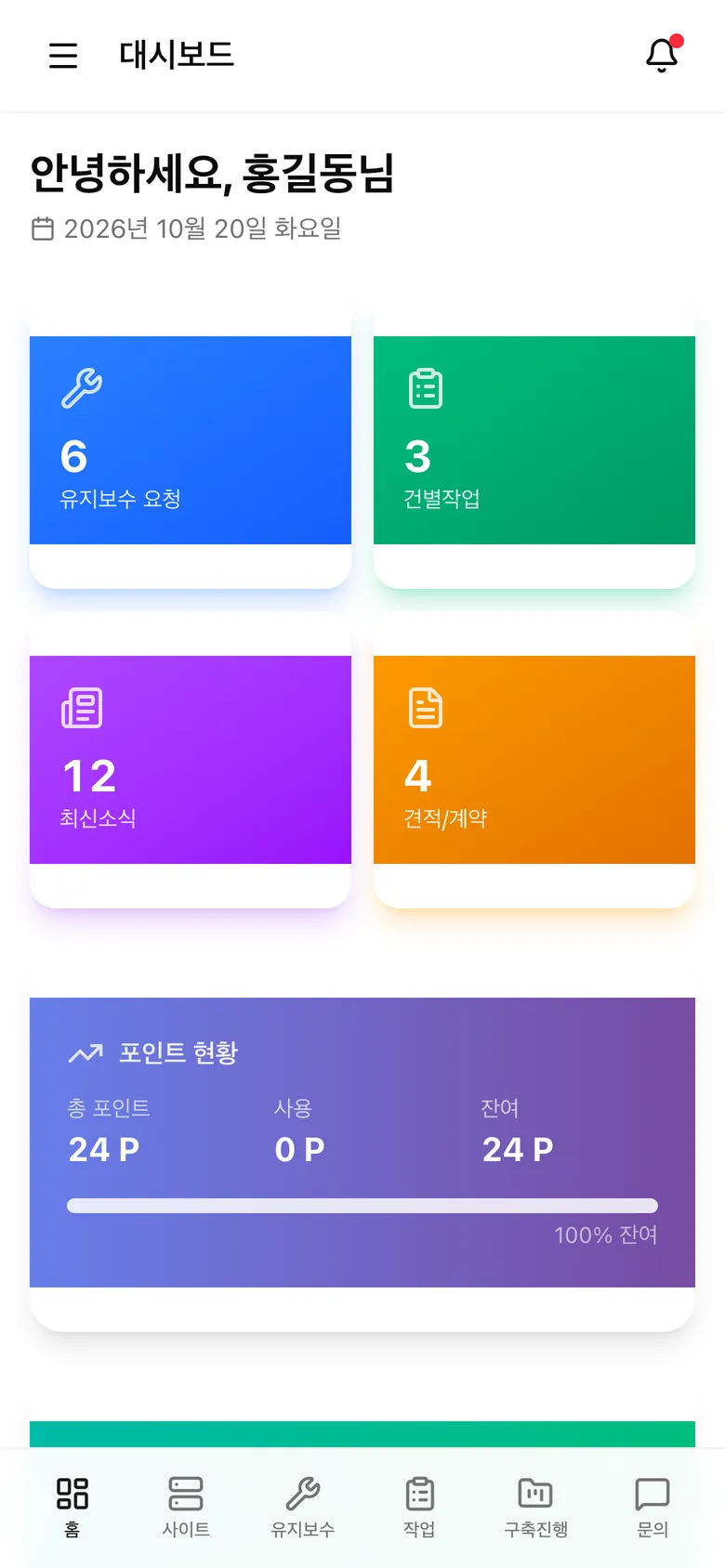
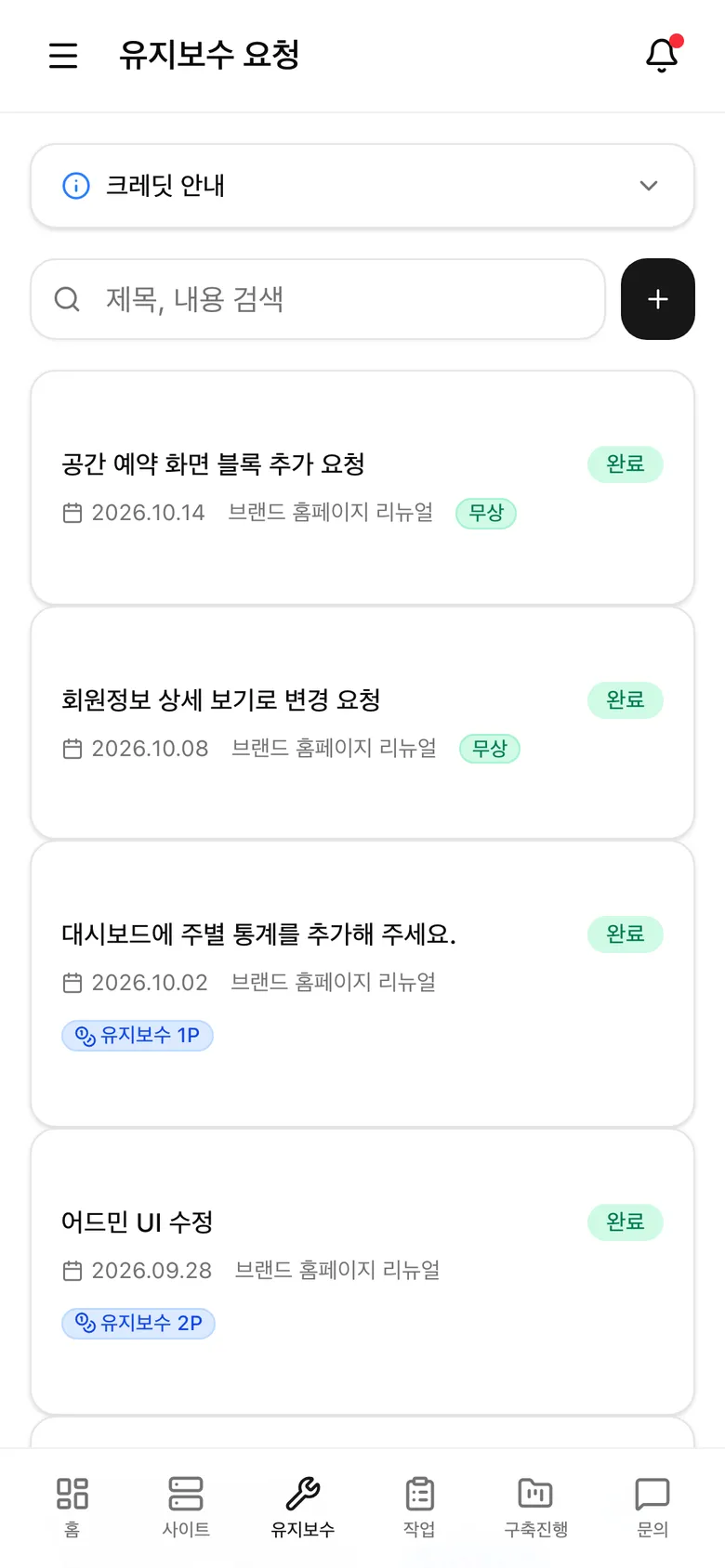
Each request is received, handled, reviewed, and then kept on record.
Submit a maintenance request in the portal, or your HankyeulLab manager registers the task directly.
Once a manager is assigned and starts work, the status updates in real time.
When the work is done, review the results in the portal and leave follow-up requests if needed.
Every request and completion is automatically archived and available to view anytime.
Every HankyeulLab client is connected through HCMS. These are the basic commitments for starting work together.
Each client receives an HCMS account when we start working together. Work with HankyeulLab begins only once the account is set up.
Maintenance and development requests are submitted in the portal, not by messenger or phone, so nothing is missed and progress stays visible.
Quotes are reviewed, approved, or sent back for changes in HCMS. Only approved quotes turn into work.
Requests, results, and announcements all stay in the portal so you can look them up anytime.
Already a HankyeulLab client? Log in with your issued account. New to us? Send an inquiry and we will help set up your account.
More than 18 sites are run and managed through HCMS every day.
We used to send questions over KakaoTalk and wait for a reply. Now we can follow progress in real time on the portal, which is incredibly convenient.
We can always see where a maintenance request is, from received to done, so we never have to ask. Point usage is transparent too, which builds trust.
We get alerts about site outages before we even notice them, and we can check on the go with the mobile app. We trust them with our operations.
HankyeulLab clients can log in right away with their issued account.
Not a client yet? Send us an inquiry.