On-site diagnosis
Interviews and observation show where time is being lost. We pin down what the problem is before deciding what to build.


Placed at your site, we learn your work and data, build the software you need there, and run it.
Compared with the usual options
| Approach | How it works | What usually happens |
|---|---|---|
| Outsourcing | A vendor receives a requirements document, builds, and delivers. | On-site details missing from the document get lost, and nobody is left to fix things after delivery. |
| Buying a product | You buy an existing product and configure it. | It doesn't match how the team actually works, so people drift back to spreadsheets and chat. |
| Hiring developers | You recruit and build an in-house team. | Hiring takes time and money, and learning the business and its data takes even longer. |
| FDE | An engineer stays close to the team and owns the work from defining the problem to running the result. | Software is built and fixed next to the people who use it, so it actually gets used. |
An FDE (Forward Deployed Engineer) is an engineer placed directly with a client. Instead of waiting for a spec, they watch the real work and build what it needs.
Interviews and observation show where time is being lost. We pin down what the problem is before deciding what to build.
Read and connect data spread across spreadsheets, internal systems, and outside services.
Admin screens, automation scripts, internal tools: whatever that site needs.
Put the software on real servers and handle errors and change requests directly.
Documentation and training so your team can run it on its own.
Interviews and a system review set the problems and priorities.
Solve the most urgent problem with software that actually runs.
Extend what has proven useful to other teams and tasks.
Pass it on with documentation and training, and your team runs it.
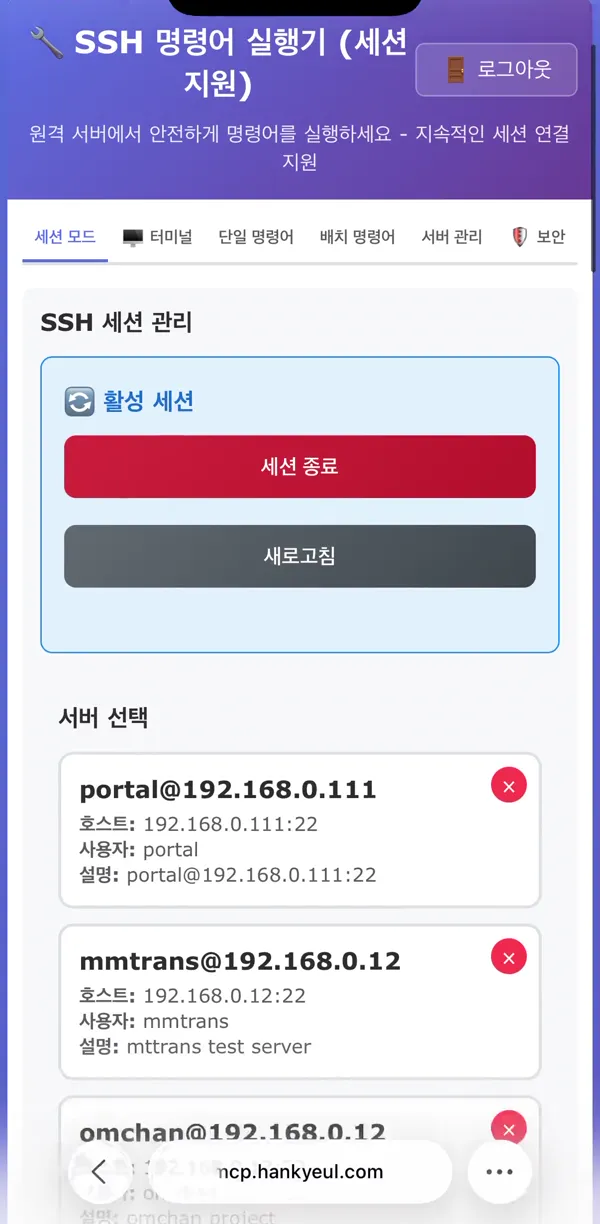
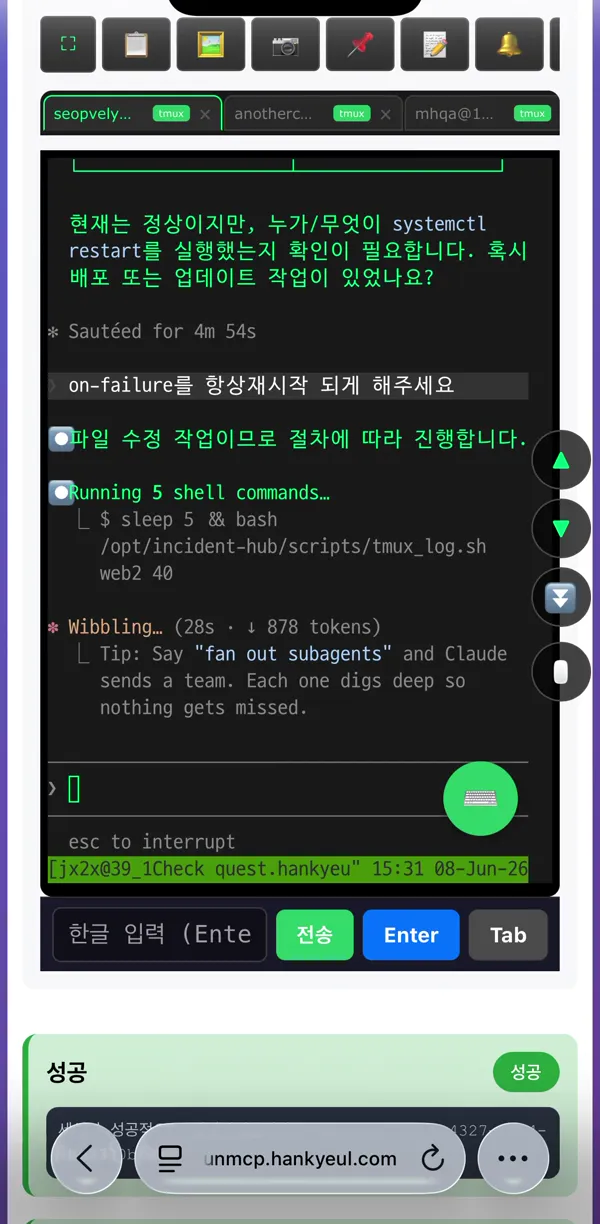
HankyeulLab FDEs use these tools to move quickly across sites and to share progress with clients.
Connect to and operate many servers from one screen, and check task status from a phone on the move.
About runmcpA portal where progress and requests are shared with the client, with a record of who asked for what and where it stands.
About HCMSChatGPT and Claude for meeting notes and documentation, and for faster development.
You know what you want built but have no one to build it.
So many exceptions that a document alone cannot carry the requirements.
We find ways to connect or fill gaps instead of throwing it away.
Check real reactions with a working first version before a large development contract.
Ways to work together
On-site interviews and a system review, delivered as a written improvement plan.
Discuss this optionOne core problem, solved with software that actually runs.
Discuss this optionAn FDE splits time between your site and remote work, building, running, and improving.
Discuss this optionPricing depends on scope and duration. We quote after a consultation.
Tell us where the work is stuck, and we'll come back with a proposed diagnosis scope and timeline.